
Download DALL·E mini – Free AI Text‑to‑Image Generator for Windows, macOS, Android & iOS
Overview
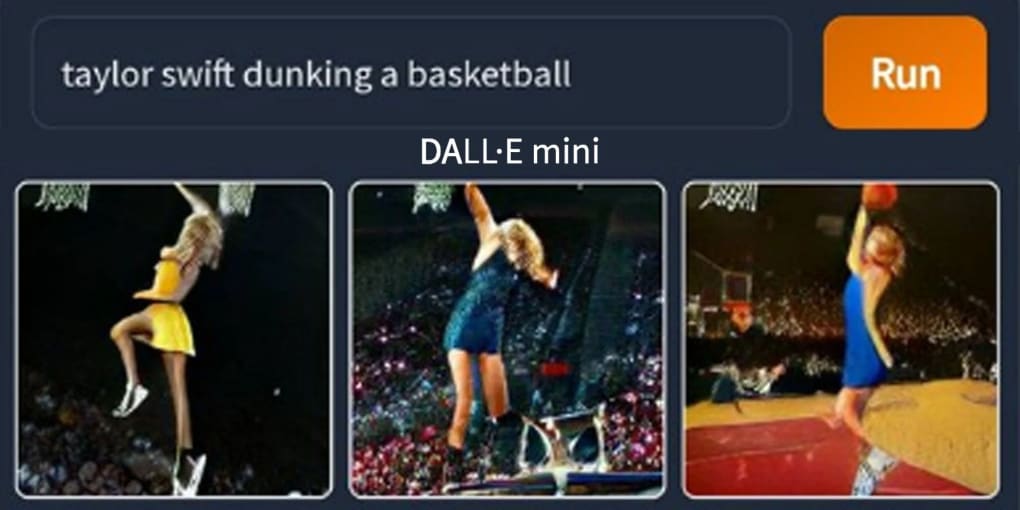
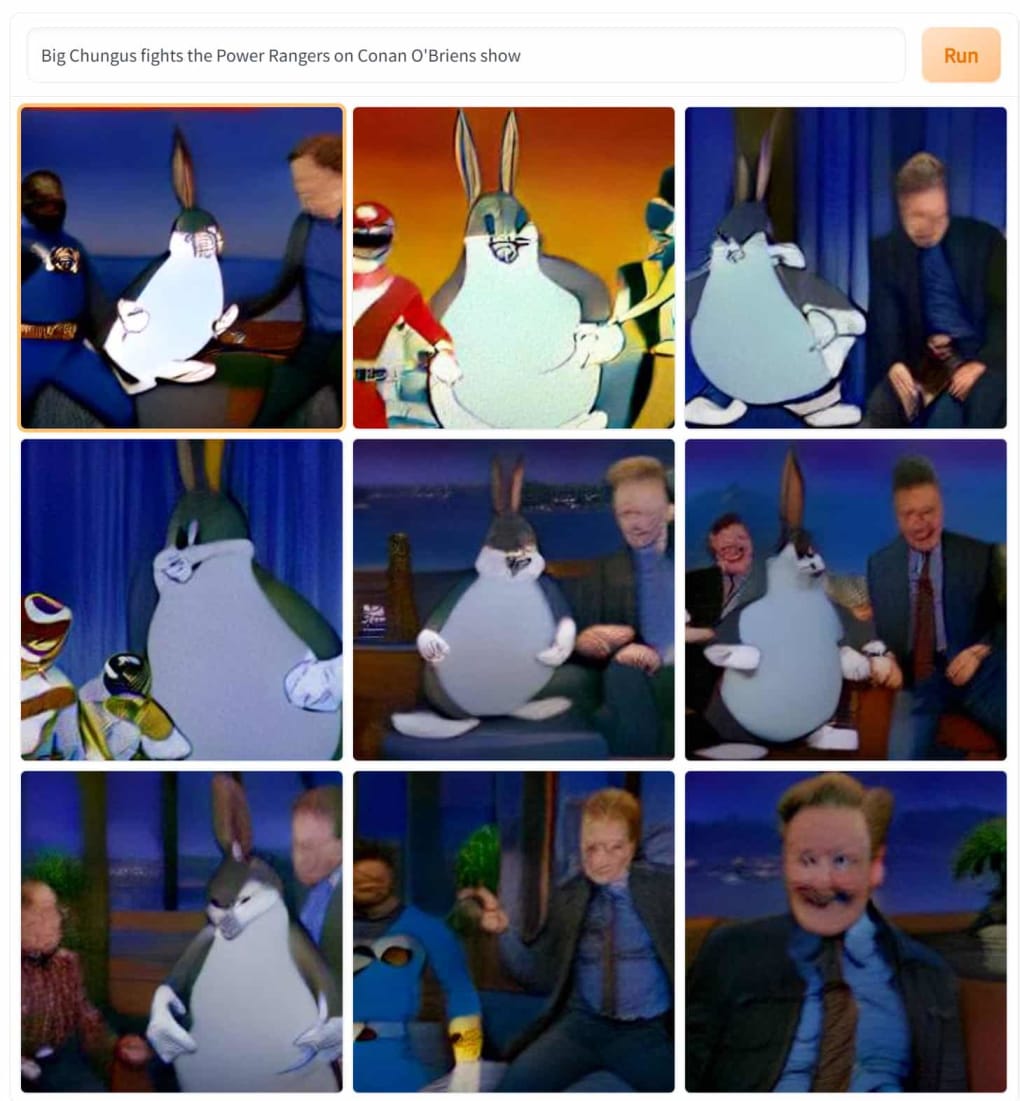
DALL·E mini is a free, web‑based text‑to‑image software created by Boris Dayma that lets anyone turn a simple prompt into a set of nine generated pictures. Powered by artificial intelligence, massive data‑scraping and pattern‑matching algorithms, the tool works like a visual search engine: you type what you imagine, hit “Run”, and the AI stitches together a representation based on billions of images it has studied. While the results are often whimsical and entertaining, they tend to look slightly distorted when examined up close—especially when a real person is involved. Nonetheless, DALL·E mini offers a low‑barrier entry point for casual creators, students, and anyone looking for a quick visual brainstorming aid without the need for expensive software or graphic‑design skills. Because it runs entirely in the browser, there’s no installation hassle, and the service remains completely free, making it an attractive option for those who want to experiment with AI‑generated art without committing to premium alternatives such as NVIDIA’s GauGAN2 or Google’s Imagen.
Core Features & Compatibility
- Free to use with no registration required.
- Generates nine images per prompt within seconds.
- Browser‑based interface works on Windows, macOS, Linux, Android and iOS.
- Supports multiple language inputs for global accessibility.
- Simple “prompt‑and‑run” workflow – no learning curve.
- Downloadable results – each image can be saved locally.
- Open‑source model foundations allow community improvements.
DALL·E mini runs on a cloud‑backed AI model, so the only requirement is a modern web browser with JavaScript enabled. It is compatible with the most common operating systems:
Windows 10/11, macOS Catalina or later, Linux (any distro with a recent Chrome/Firefox), Android 8.0+ (via Chrome), iOS 13+ (via Safari).
Because the processing happens on remote servers, users do not need a powerful GPU or large RAM allocation on their local machines. This makes DALL·E mini an ideal choice for students on laptops, travelers using tablets, or anyone who prefers a lightweight, secure, and instantly accessible AI art tool.
Installation & Usage Guide
Installing DALL·E mini is as simple as opening a web page. Follow these steps to start generating images in under a minute:
- Open your preferred browser (Chrome, Firefox, Edge, Safari) and navigate to the official DALL·E mini website (e.g., huggingface.co/spaces/dalle-mini).
- Allow the page to load the model; this may take a few seconds on the first visit while the AI weights are cached.
- Locate the prompt box at the top of the interface. Type a clear, concise description of the image you want—examples: “a futuristic city at sunset”, “a cat wearing a tuxedo”, or “a medieval castle on a floating island”.
- Click the “Run” button. The backend queues your request, processes the text, and returns nine image variations in a grid layout.
- Hover over each thumbnail to view a larger preview. If you like a result, click the download icon to save the image as PNG or JPEG.
- For more refined outputs, experiment with synonyms, add stylistic cues (“in the style of Van Gogh”), or narrow the scene (“close‑up portrait of a smiling dog”).
- To clear the workspace, simply refresh the page or click the “Clear” button (if available) and start a new prompt.
Tips for better results: keep prompts under 15 words, avoid ambiguous subjects, and remember that the AI may produce surreal or partially distorted details—especially for human faces. Because the service is free, there may be occasional queue delays during peak usage; patience and a few retries usually solve the issue.
Pros, Cons & Frequently Asked Questions
Pros
- Completely free with no hidden fees.
- Runs instantly in any modern browser—no installation.
- Fast generation time (seconds per batch).
- Great for brainstorming, mood‑boards, and quick mock‑ups.
- Open‑source foundation encourages community contributions.
Cons
- Image quality can be blurry or distorted up close.
- Human faces often appear unrealistic.
- Limited to nine outputs per prompt; no high‑resolution export.
- Occasional server overload results in blank tiles.
- Lacks advanced editing tools found in premium AI generators.
FAQ
Is DALL·E mini safe to use?
Yes. The platform runs in a sandboxed web environment, and no personal data is stored beyond the temporary session. Always use the official site to avoid malicious clones.
Can I download the generated images?
Absolutely. Each thumbnail includes a download button that saves the image as a PNG or JPEG file to your device.
Do I need an account to generate images?
No account is required. The service is open to anyone with a web browser and an internet connection.
Why are some results blurry or contain artifacts?
The underlying model approximates images from patterns it has learned. When faced with complex subjects—especially human faces—the algorithm may produce distortions, which is why the output looks better from a distance.
How does DALL·E mini compare to paid alternatives?
Paid tools like NVIDIA’s GauGAN2 or OpenAI’s DALL·E 2 deliver higher resolution, more realistic textures, and better handling of human anatomy. DALL·E mini is best suited for casual experimentation, while professionals may prefer the premium options for commercial quality.
Overall Rating: 3 out of 5 stars – a fun, free AI art generator that delivers quirky results but falls short on realism.
Conclusion & Call to Action
DALL·E mini stands out as a playful, zero‑cost entry point to the world of AI‑generated imagery. Its browser‑based design, instant results, and simple prompt workflow make it perfect for students, hobbyists, and anyone curious about text‑to‑image technology. While the visual fidelity isn’t on par with premium competitors, the tool excels at sparking creativity and providing quick visual concepts without any learning curve. If you’re looking for a free, secure, and easy‑to‑use app to generate imaginative pictures, give DALL·E mini a try today—just type your idea, hit “Run,” and explore the whimsical world it creates.
Ready to experiment? Download DALL·E mini now and start turning words into art in seconds!



.png)



